


Per-username keys
Each plan includes a number of Roblox username slots. Usernames bind on first run, and you can reset them from your dashboard.
Roblox scripts for your accounts. A panel for your cloud devices. Find the tools you need, with Pandora.
Meet the community on DiscordTwo separate products: a script key doesn't unlock the panel, and a panel license doesn't include PandoraHub scripts.
A few of the games in the PandoraHub library.
Coverage differs between Premium and VIP and changes as games update — ask us before you buy if you're unsure.
Choose a Premium or VIP plan, pay, and paste the loader from your dashboard into your executor. Your key is tied to the Roblox usernames in your plan.
Each plan includes a number of Roblox username slots. Usernames bind on first run, and you can reset them from your dashboard.
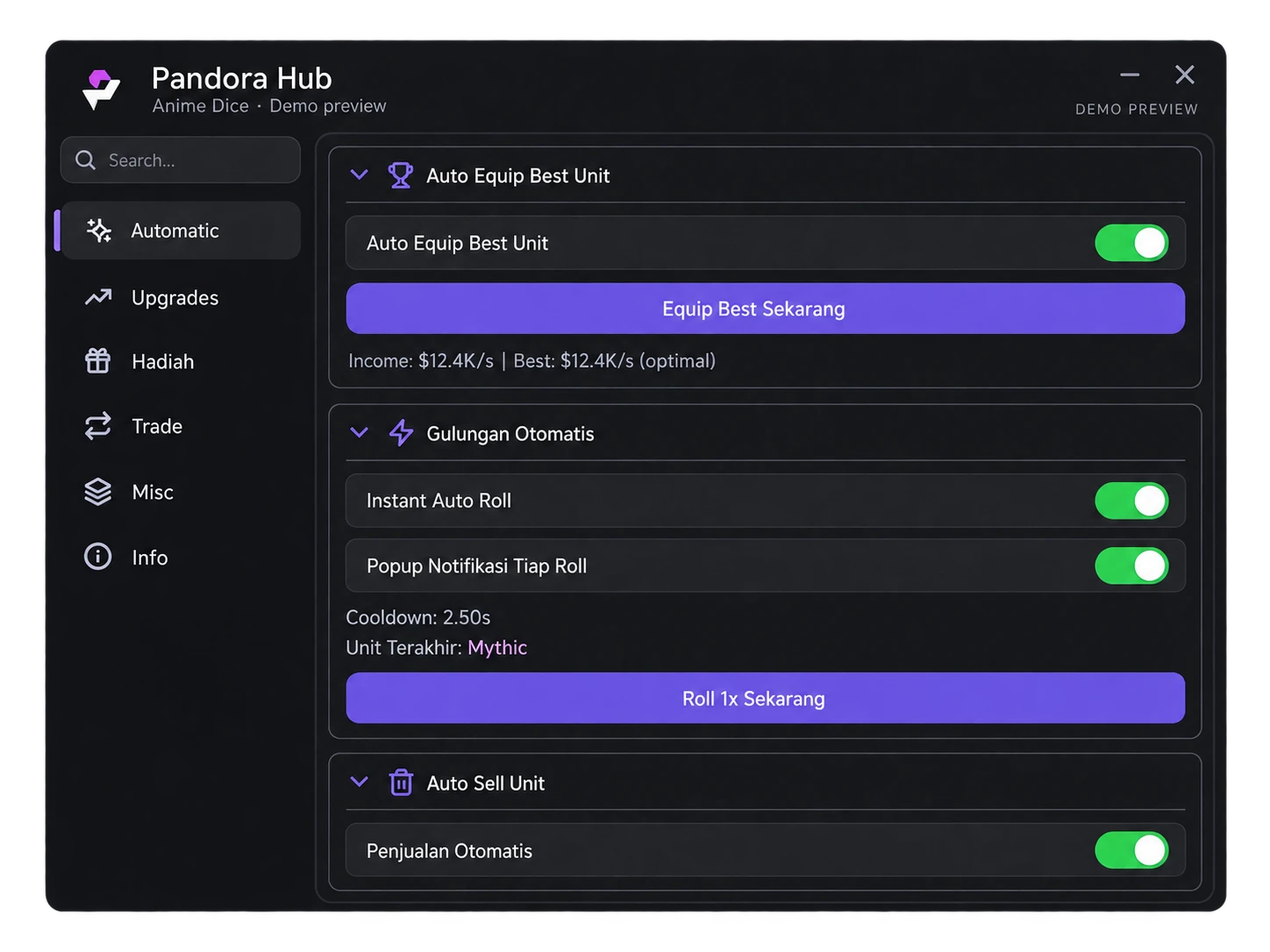
Premium covers the core automation; VIP adds advanced features on top. Every product lists its main features before you buy.
Your key appears as soon as payment confirms — on the success page and in your dashboard.
Reset usernames and, depending on your key, add slots, extend, or upgrade to VIP from your dashboard.
-- copy the exact lines from your dashboard
getgenv().Key="YOUR-KEY"
loadstring(game:HttpGet("https://api.pandorahub.net/loader.lua"))()
Pandora runs on your own rooted Android cloud devices. Enroll a phone, paste in your accounts, assign a script, and start every clone from one screen — on a desktop or in your phone's browser. Capacity comes from license keys you redeem in the panel: device slots, script usernames, or VIP.
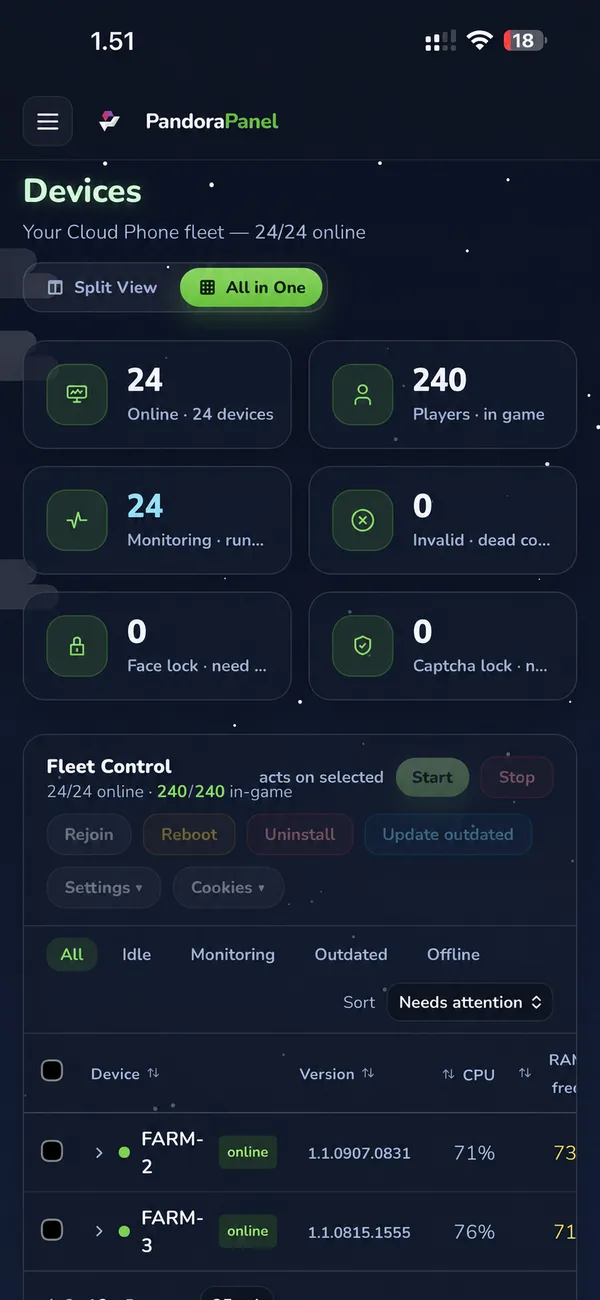
Every enrolled cloud phone on one screen — online or offline, monitoring state, CPU, free RAM, restart count, and how many clones are in game.
Launch every assigned clone with its cookie, close them, or re-send just the join — on one device or across the devices you select. Auto Grid tiles the windows the same way on every launch.
Paste many cookies at once. The panel resolves each to its Roblox username, stores them encrypted and masked, filters them by valid, invalid, face-lock, captcha-lock, ban-warn, assigned, or unassigned, and fills a device's free clone slots in order.
Batch-check cookies and see which are valid, invalid, face-locked, captcha-locked, or ban-warned. Captcha Solver and Face Unlock run on your own provider API key, which you add in your profile.
Dedicated configuration for Grow a Garden 2 and Steal an Egg, set for the whole fleet or overridden per account, with destructive actions (such as selling or deleting) off by default. Your own auto-execute Lua scripts can be assigned per clone too.
A tracker for Grow a Garden, Grow a Garden 2, and Steal an Egg — total fleet currency and the per-hour gain, how many accounts are online, an online chart covering the last 48 hours (filled in while you have the tracker open), and inventory per account. Any active plan tracks up to 300 accounts; VIP raises it to 2,000. Without an active plan the tracker is off.
The panel installs as an app on your phone, so the fleet is manageable from a phone browser. Roblox keeps running on your cloud device, so you don't need to keep the panel open.
Start with the slots you need. Capacity comes from license keys you redeem in the panel.
Device slots set how many cloud devices you can enroll in your workspace and run from the panel. Redeem more keys to add capacity.
Paid provider scripts are metered per Roblox username; assign your slots to the usernames that should run them.
Includes Auto Recovery Cookie for accounts whose password is stored with the cookie, and raises the tracker cap from 300 to 2,000 accounts.
Current prices and plan lengths are listed in the Pandora store. Panel script slots and VIP are bought there — PandoraHub Scripts keys and VIP don't count toward them.
Already bought a panel license? Redeem key
Scripts, if you want to automate your own Roblox accounts with a loader in your executor. Pandora Panel, if you run many accounts on your own rooted Android cloud devices and want to control them from one screen.
No. They are separate products with separate stores, license keys, and support. A PandoraHub script key doesn't work in the panel, and a panel license doesn't include PandoraHub scripts.
For scripts, you log in with Discord to buy, and your keys are linked to that account. For the panel, you can check out as a guest, but signing in to the panel itself is Discord only.
Scripts: your key is shown once the payment is confirmed and stays in your dashboard. Panel: your key arrives by Discord DM or email — then redeem it at panel.pandoraon.top/redeem.
Scripts: QRIS or crypto. Panel: the available methods are shown at checkout.
Scripts: email support@pandorahub.net, ask in our Discord, or use the contact page in the PandoraHub shop. Panel: the Pandora contact page — Discord or support@pandorahub.net, usually within 24 hours on business days.